Publish a plugin
This page covers the mechanics; the complete marketplace guide — review process, listing authoring, versioning, payouts — is the Publisher handbook.
Built something reusable? Publish it to the marketplace marketplace so other Aglyn users can install it — free or paid.
Publishing is open to developers; paid listings use Stripe Connect for payouts.
The publish pipeline
Plugins go through a publish + install pipeline with version pinning, so installs are reproducible and upgrades are deliberate:
- Package your plugin against the manifest + sandbox bridge protocol (see Plugins overview).
- Verify locally:
node tools/scripts/verify-plugin-bundle.mjs dist/plugin.bundle.mjs— the publish API enforces the same checks. - Publish a version to the marketplace: Marketplace → Publish →
"A plugin (upload a bundle)" → Publish a plugin… — a page at
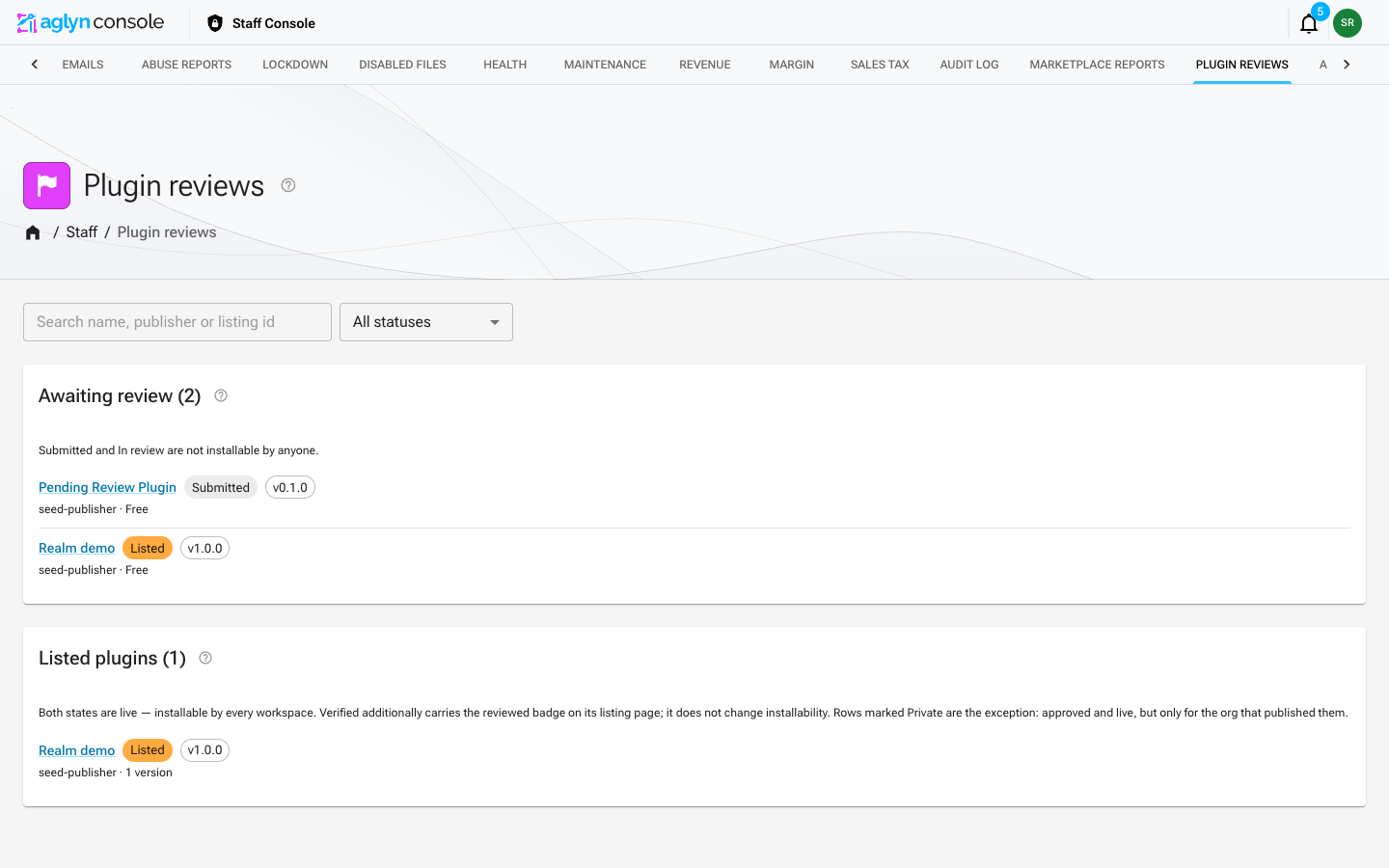
/<your-org>/marketplace/publish/pluginwhere you upload the bundle and itsmanifest.json, choose who can install it, and set the listing details, repository URL and price. What you type is kept as a local draft until you publish; the files are not, so re-choose them. You confirm a short pre-publish checklist — repository, license, data disclosure, network hosts, testing — which is recorded against that exact bundle and shown to the reviewer. Uploads publish sandboxed; staff review lists (and may sign) them. - Installers get that pinned version and choose when to upgrade —
ship updates by bumping the manifest
versionand uploading again.
Private plugins
Not everything you build is for sale. When you upload a bundle, Who can install this offers:
- Anyone — publish to the marketplace. The default. Listed for every workspace once a reviewer approves it.
- Only this organization — private plugin. Never listed in the marketplace, for anyone, and installable only by your own sites.
Private is a choice about audience, not about trust. A private plugin still executes on Aglyn infrastructure and still reaches the host ABI, so it goes through the identical pipeline: the same review queue, the same reviewer checklist, the same bundle verifier, and the same super-staff signature if it ever needs realm trust. It is not a way to ship unreviewed code.
Private plugins are always free — nobody else can install them — and you reach yours from Marketplace → Listings, not from Browse.
A private plugin can go public later from that same Listings tab. The bytes were already approved, so it needs no re-review; it does need what any marketplace listing needs first — a description, a README, and a license. Going back to private is always available.
Paid listings
You can list a plugin as paid:
- Payments run through Stripe Connect.
- Earnings are tracked in a publisher ledger.
The Sales card reports net paid out — what actually reached your Stripe account. It is the pre-tax listing price less the platform fee, which is the fixed amount Stripe transfers to you on each sale.
Three things it deliberately is not:
- Not what the buyer paid. Buyers are charged sales tax on top of your price. Aglyn collects and remits that tax under its marketplace-provider registration, so it is never part of your share. The card shows what buyers paid, the tax and the platform fee beside your payout so the four reconcile.
- Not gross minus the fee. The fee is calculated on the pre-tax price, so subtracting it from the tax-inclusive gross would count the tax as your earnings.
- Not counting refunds or chargebacks. A refunded sale and a lost dispute leave the payout total; the amount pulled back out of your account is shown on its own line so a total that shrank can be reconciled.
Your publisher profile
Your publisher profile is a storefront: its own page in the marketplace listing everything you've published, reachable from the Publisher card on any of your listings and from the by @handle link on every browse card. Buyers who like one of your plugins use it to find the rest, so the handle, display name, and bio you set are worth the same care as a listing.
Tips
- Bump versions intentionally — installers stay on their pinned version until they upgrade.
- Keep the manifest's declared capabilities minimal; the sandbox enforces them.