Create a site
A site is one website you own in Aglyn — its pages, theme, data, domain, and settings. Everything you build lives under a site, and you can own several.
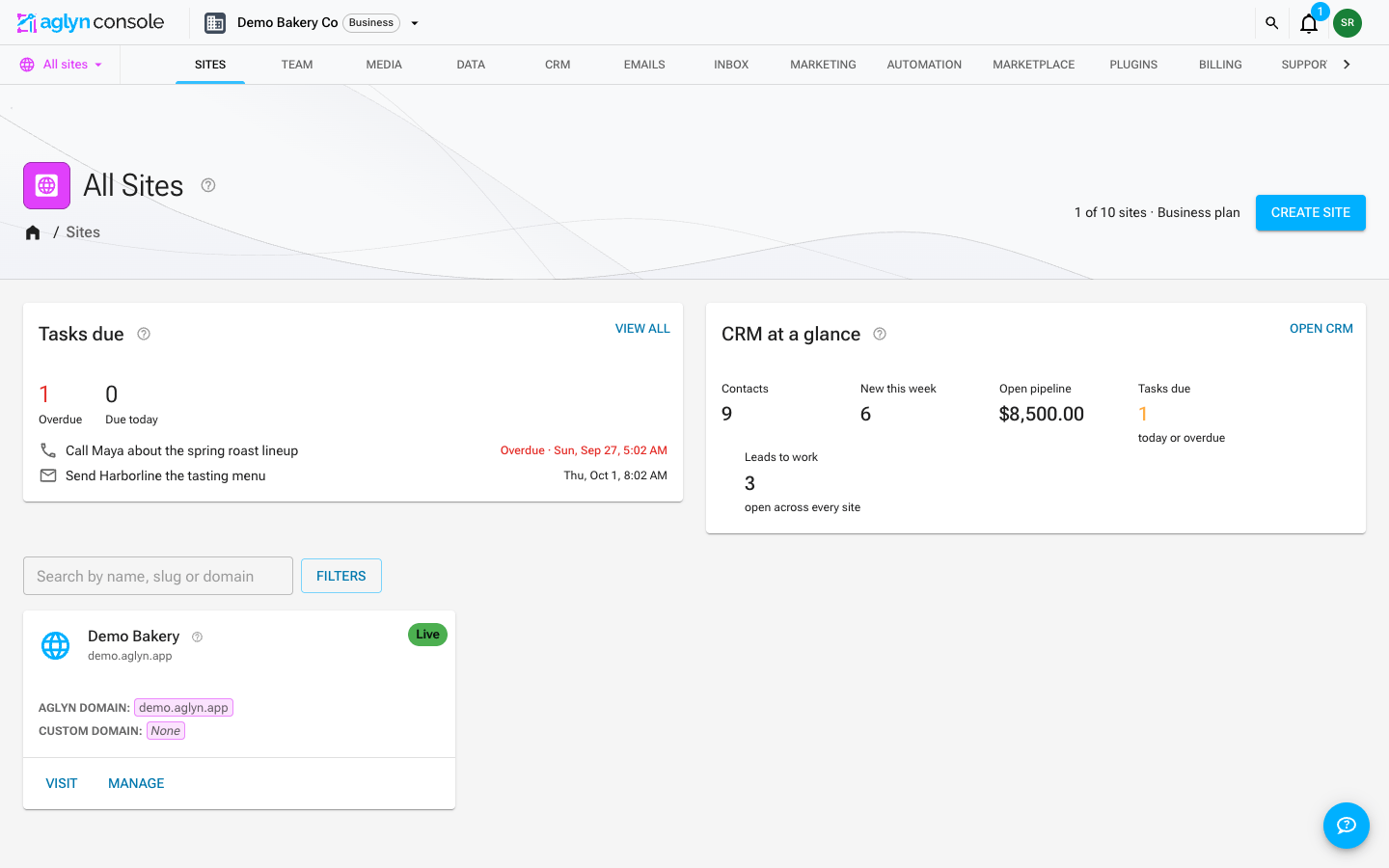
Create your first site
-
Sign in to the console.
-
Open the site switcher in the app bar (top-left) and choose Create site.
-
Give it a name. Aglyn generates a working subdomain immediately, so the site has a real address from the first moment — you can attach a custom domain later.
When you can use Aglyn AI, the new site opens on Start your site, which asks how you want to start: Start from the starter site, or Start with AI, which plans your pages from a few questions — see Generate a website from a prompt. Choosing the starter site, skipping or closing the window all give the site the starter described below. Until you choose, the site's address shows a short coming soon page with its name, kept out of search results.
Every other new site starts with the starter straight away. The starter is a complete website, published and open to search engines from the first visit:
- a Home page at the site root with the sections an ordinary business site has — a hero with your site's name, what you offer, an about section, a photo gallery, testimonials, frequently asked questions, a call to action and a working contact form. Each section says how to make it yours, and the photos are placeholders to swap for your own under Media;
- a shared header and footer layout every page you add renders inside, with your site's name, search, a light/dark switch and a Contact button. It is the site's one shared layout on the Free plan;
- a theme (colors and fonts) under Setup → Theme, and a title, description and sharing image under Setup → SEO.
Open the Home page from Pages to make it your own: once you publish your changes it is your home page like any other, and a starter applied later adds its pages beside it instead of replacing it. Or replace it: the first page you publish at the site root — one you build, one the AI drafts for you, or a starter template's home page — takes over
/, and the starting Home page is kept as an unpublished draft. -
You land on the new site's Setup page (titled Host Setup), with tabs for Basic details, SEO, Tracking, Theme, and Emails; the custom domain and the activity log are under Admin. To start building rather than configuring, use the Pages tab in the site navigation — see Publish your first page.
Site names must be unique enough to generate a valid subdomain. If a name is taken, the console suggests an available variation.
What a site contains
- Pages & layouts — the pages and the shared frames they render in.
- Data — the datasets this site can see. Variables and functions are under Logic, and workflows and actions under Automation.
- Media — images, video, and files, organized in folders.
- Setup — theme, SEO, tracking, and emails under tabbed settings. The Site logo card (Details tab) sets your brand mark: it's shown on the live site's page-navigation loading overlay — a themed, blurred scrim with a progress bar. Without a logo, the loader shows your site name instead. Add a Dark mode logo too if yours is hard to see on a dark background: visitors browsing in dark mode see it on the loader and error pages, and without one they see the light mode logo.
- Billing — the plan and usage meters that gate features and quotas.
Switching between sites
Use the site switcher in the app bar at any time. It lists your most recently used sites first; with more than a handful, type in the Find site… box to search every site you belong to by name, or choose View all sites. Your current site's display name appears in the breadcrumbs so you always know which site you're editing.