Build a data model
A model is the shape of a dataset — its fields and their types. Records you add or import in the console, or write through the REST API, are validated against it.
Starter and above. Free plans have no data store; add-ons raise the dataset cap.
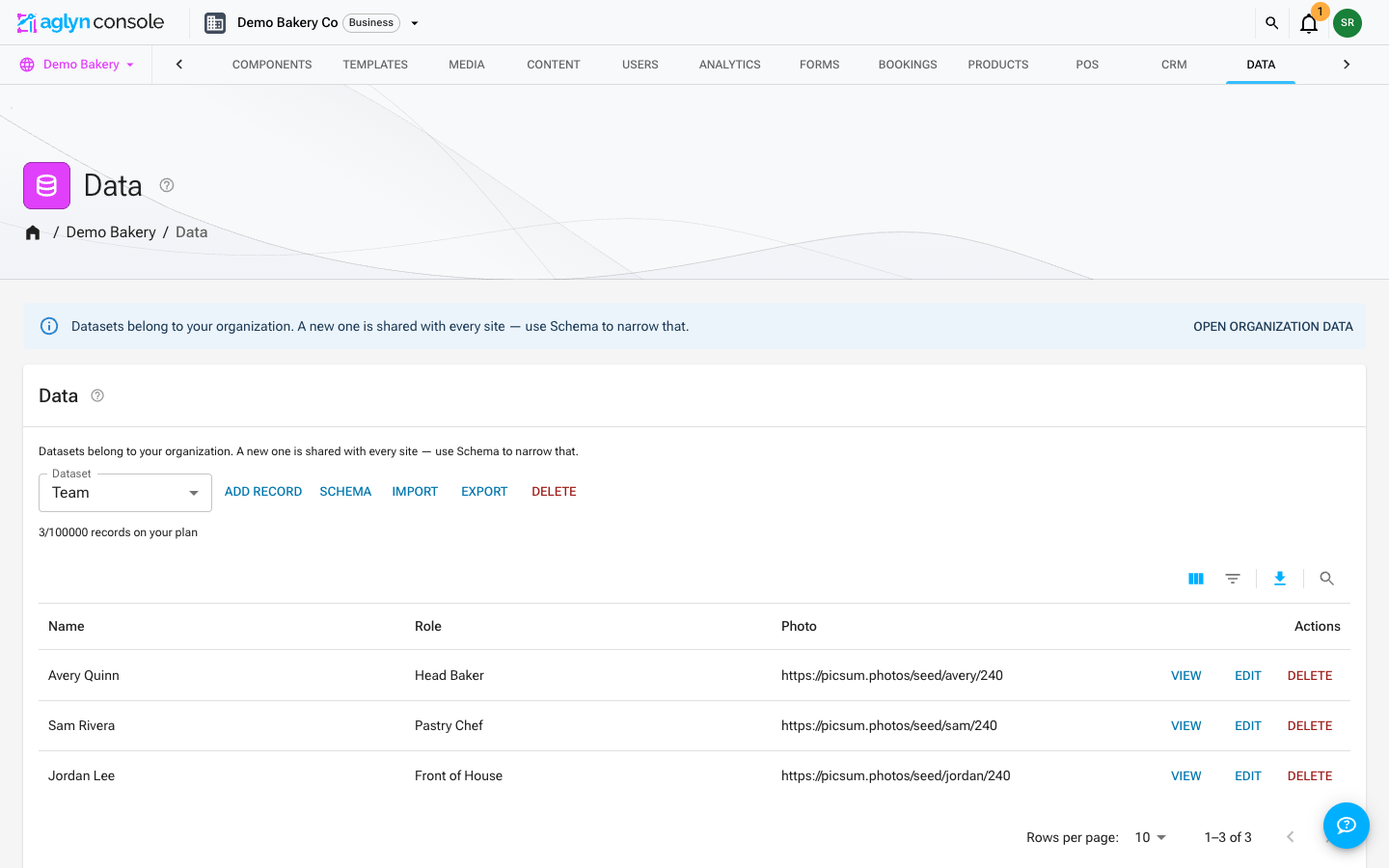
Define the model
- In Data, create a dataset and open the schema dialog.
- Add typed fields — text, number, date, reference, page address, and more.
- Save. The model is stored on the dataset. Every write validates records against it — the console, the REST API, a bound form and an automation step — and stores each value as its field's type. A record with a value that doesn't fit is not written.
Display name vs reference ID
Every field has two names:
- Display name — the human label shown in the record editor, table headers, and anywhere the field appears. Rename it any time.
- Reference ID — the stable key used in bindings
(
{{item.reference_id}}), form field mappings, and CSV import/export.
When you create a field, the Reference ID auto-fills from the display name (for
example, Roast preference → roast_preference). Edit it in the same dialog to set your
own — handy when you want a short, code-friendly key that differs from the label. Once the
field is created the ID is fixed: records, bindings, and forms all point at it, so it
can't change without orphaning that data. Pick it deliberately, then rename the display
name freely afterward.
Page address fields
A Page address field holds a record's own segment of its address when the dataset
has a record template: kitchen-remodeling, roof-repair.
Pick Page address in the field's type list. Its values are lowercase letters and
numbers joined by hyphens, up to 64 characters.
- Fill in from names a text field, such as Name, that an empty address is made from. It fills in once, when a record is first saved without one, and a record keeps its address when it's renamed, so a live page never moves.
- Whatever writes the record — the console, an import, the REST API, a form or an
automation — the address is filled in the same way and tidied into that form, so
Kitchen Remodelingis stored askitchen-remodeling. - A dataset with records already in it can get the field in one step: Make
addresses, in a record template's settings, adds it and gives every record an
address, made unique where two names collide (
roofing,roofing-2).
See Service and location pages from a dataset for how the pages are built.
Edit records
Open the typed document editor to add and edit records. Each field renders the input for its type (a date picker for dates, a number field for numbers, and so on), which keeps data consistent.
Tips
- Model the data first, then bind it — a clean model makes repeatable components and bindings straightforward.
- Give fields a description in the schema dialog — it appears as a hint in the record editor, as a tooltip on table headers, and under the field's name in the schema dialog itself. See naming & describing fields.
- Use a reference field to link records; see relations.