Webhooks
Webhooks connect Aglyn to the outside world. Outbound webhooks notify another system when something happens on your site; inbound webhooks let another system trigger something in Aglyn.
Pro and up. Webhooks are included from Pro.
Outbound webhooks
Send an HTTP request to a URL you control when a site event fires — for example, post to a Slack endpoint or your own API when a form is submitted or a new booking comes in.
- Add an outbound webhook and paste the destination URL.
- Choose the event that should fire it.
- Save. Aglyn calls your URL with the event payload each time it fires.
Each delivery is a POST of JSON with four keys: event (such as formSubmission),
payload (the event's data — for a form, formName, path and every submitted field),
sentAt, and text, a readable summary of the same event. When the webhook has a
secret, the X-Aglyn-Signature header is the HMAC-SHA256 of the body under it.
Post every form submission to Slack
Slack, Google Chat and Microsoft Teams incoming webhooks post the text key as the
message, so no translating service is needed in between.
- In Slack, create an app with Incoming Webhooks turned on, add a webhook to the
channel you want, and copy its
https://hooks.slack.com/services/…URL. - Under Automation → Webhooks, add an outbound webhook named e.g.
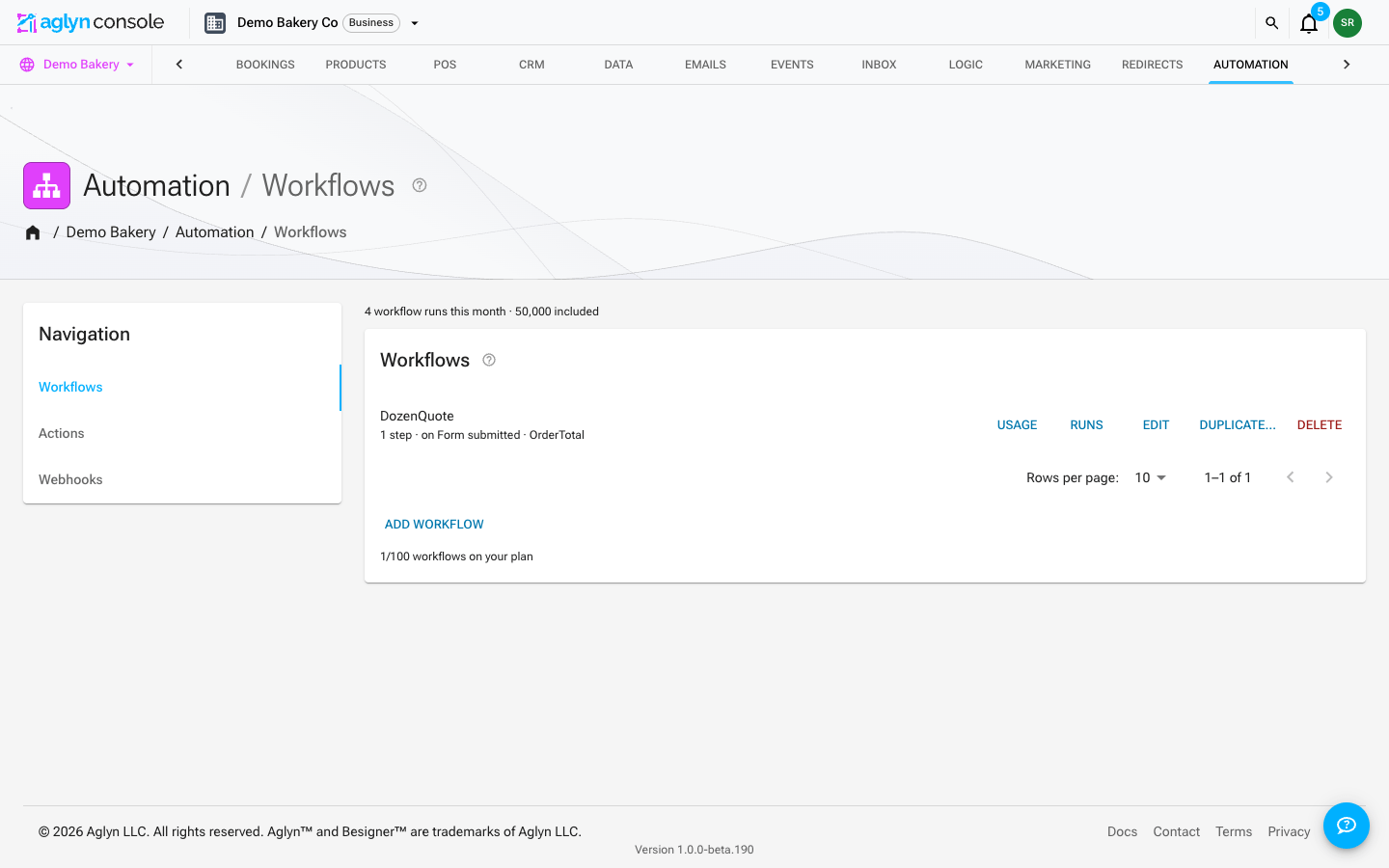
Slackand paste the URL. - Under Automation → Workflows, choose New workflow, pick Form submitted as
the trigger, and add one step: Send a webhook, picking
Slack. Save.
Each submission then arrives as:
New form submission — Contact us
• name: Jane Doe
• email: jane@example.com
Page: /pricing
The workflow's Runs read webhook 200 for each one Slack accepted. To post only one
form's submissions, build it as an action on Form submitted with
a Form is condition and the same Send a webhook step instead.
Inbound webhooks
Expose an endpoint that external systems can call to trigger Aglyn — for example to kick off a workflow from a third-party tool.
Tips
- Pair an outbound webhook with a workflow when you need to transform data before sending it.
- Treat webhook URLs as secrets — anyone with the inbound URL can trigger it.