Automation
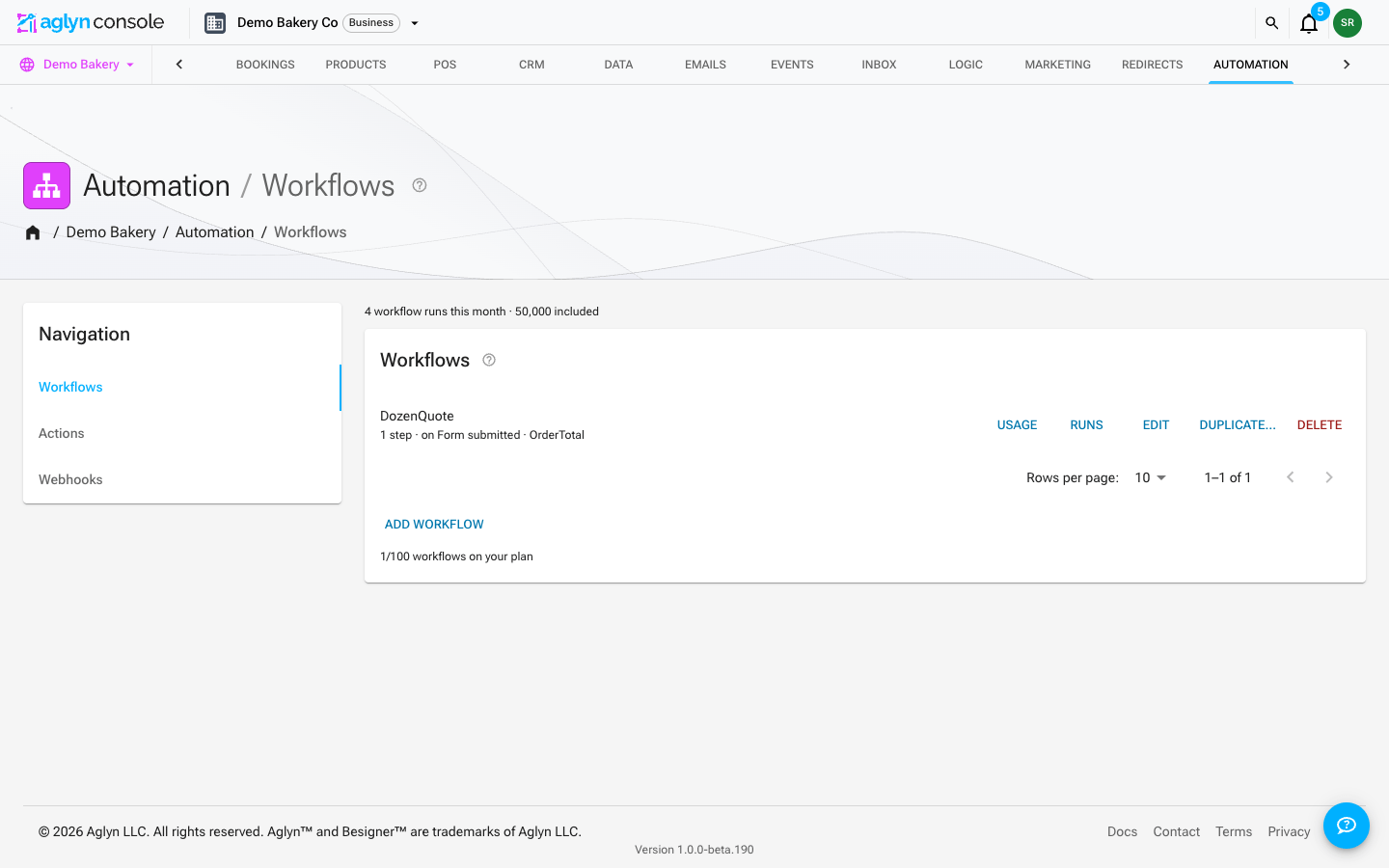
Automate what happens on your site. The section holds three tabs — Workflows, Actions and Webhooks — over one engine. A workflow step is either a call to one of your functions or any of the steps the actions builder offers, so "write to a dataset, send an email, update the contact" is a sequence of one workflow rather than two automations that have to find each other. Webhooks connect Aglyn to outside systems.
The two tabs are two ways into the same steps, kept apart by what they run on:
| What starts it | What it can do | |
|---|---|---|
| Workflows | a server event — a form submission, a booking, a new member, a CRM event | function calls and every server-side step |
| Actions | the same server events, and what a visitor does on the page — a click, a hover, exit intent, a scroll depth | everything a workflow can do, plus the in-page effects |
So an automation that touches the page is an action; one triggered by something that happened on the server is a workflow; and the steps in between are the same steps. Nothing you have already built moves or changes.
Basic in-page interactions (menu/drawer open-close, show/hide, class toggles, sticky nav, navigation, site alerts) are on every plan and never metered. The automations engine — server-side steps, analytics, overlays, and custom JS — is Pro+ with metered runs per tier. Webhooks are Business.
Workflows
- Build workflows on the workflows page: a trigger and an ordered list of steps.
- Each step is a call to a function — composing your functions and variables — or any of the server-side steps the actions builder offers: write to a dataset, send an email, enroll in a list, assign a campaign, post a webhook, the CRM steps, and Wait.
- The in-page effects are not offered here. A workflow runs on a server event, where there is no page to toggle a class on or redirect.
- A run is metered once, however many steps it has and whatever they are.
Actions builder
The actions builder turns an event into an action — event → action automation without code, and the place to build anything that touches the page a visitor is looking at. Basic in-page effects (menus, drawers, show/hide, navigation) run on every plan; the server-side and advanced steps are Pro+ with metered runs.
Webhooks
Outbound and inbound webhooks let Aglyn notify other systems and receive events from them. Webhooks are a Business-tier feature.
Org automations
An organization with several sites can write an automation once and run it on every site, or on the sites it chooses, from Automation → Org automations at the organization level. Each run belongs to the site it runs on — that site's sender, its action runs, its run history — and each site can pause it for itself. The organization's Automation page also lists every site's own workflows, actions and webhooks side by side. See Org automations.
Run history and the run allowance
The Workflows and Actions tabs each open with a line reading
1,284 action runs this month · 50,000 included — the metered run allowance your
workspace is spending. The allowance is the workspace's, not each site's: every site's
runs count against it, and the organization's Automation page shows the same line.
When the workspace reaches the month's limit, triggered automations stop running on every
site rather than queueing or billing on.
Each row has a Runs button opening a five-column table — Time, Trigger, Who, Result, What happened — with Succeeded, Failed and Skipped chips. The table is runs only: publishes, media saves and member changes stay in the site's general activity feed, where there is nothing to say Succeeded about.
Skipped is the row that earns the table: an automation stopped by an unmet trigger condition is now recorded, naming the condition field, so "why didn't my automation fire?" is answered where the runs are. A skip is not a metered run. See Run history for what is and isn't recorded — page-view skips deliberately aren't — and Build a workflow for where workflow executions currently show up.
Recipes for common automations (notify on form submit, sync orders, etc.) are on the way.