Theme Builder
The theme builder controls how your whole site looks — colors, fonts, and light/dark schemes — applied consistently across every page.
Plan availability
Free. Theming is core to every site.
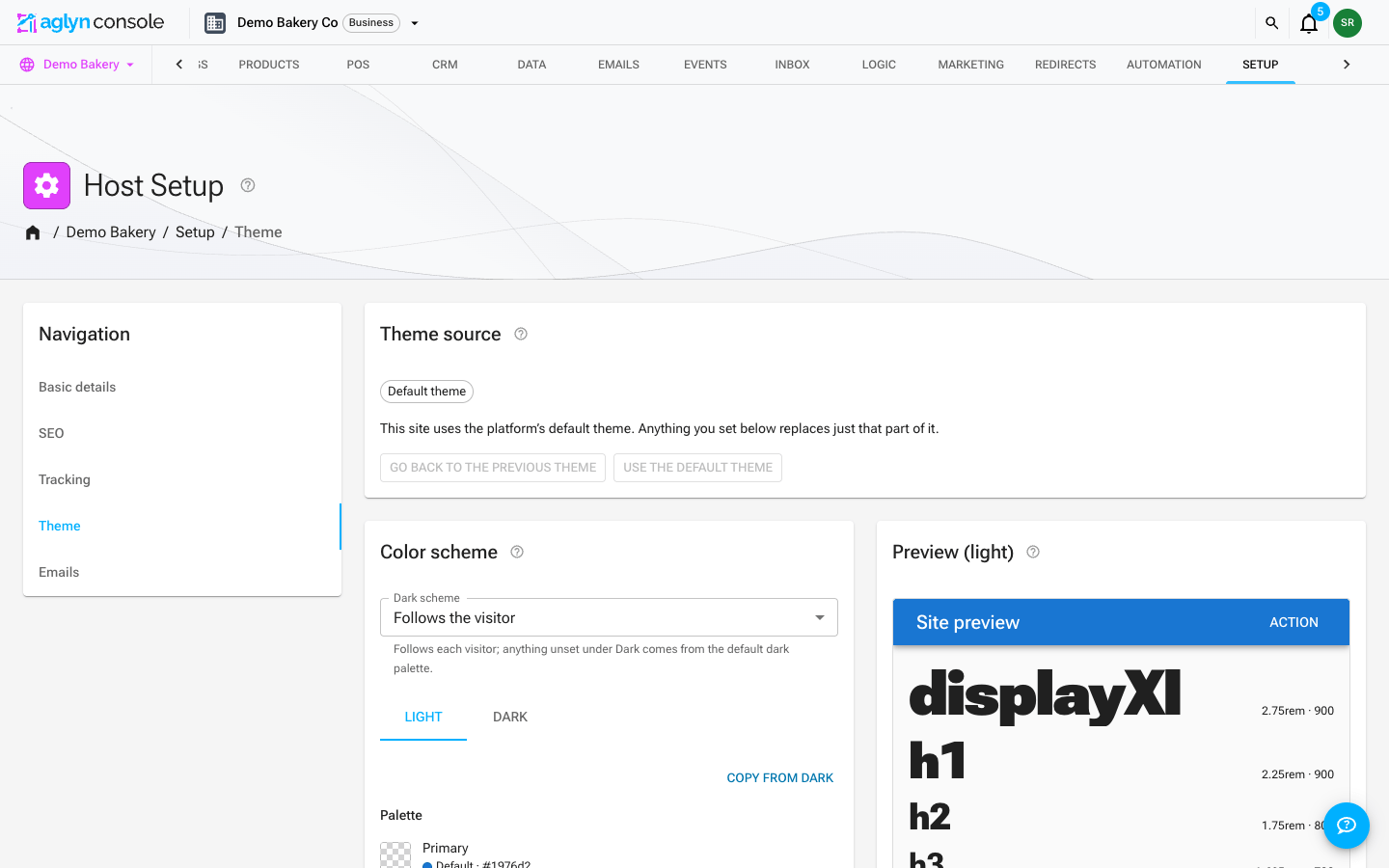
Edit your theme
- Pick a theme — the platform's default, stock Material UI, another built-in theme, one of your own, or one from the marketplace — and preview it before it goes live.
- Open the theme editor under Setup. Your changes are stored on top of the theme you picked, so it can always be restored or saved as a theme of your own.
- Set your palette and typography; changes render in a live preview.
- Configure both light and dark schemes — published sites apply the visitor's scheme automatically.
- Pick any Google font; published sites serve it from their own address, so it never blocks the page.
The theme you set here is supplied to the Besigner canvas too, so previews match the live site.
How-tos