Add a locale
Publish your site in another language by adding a locale variant.
Plan availability
Business and above. This is multilingual v1.
Steps
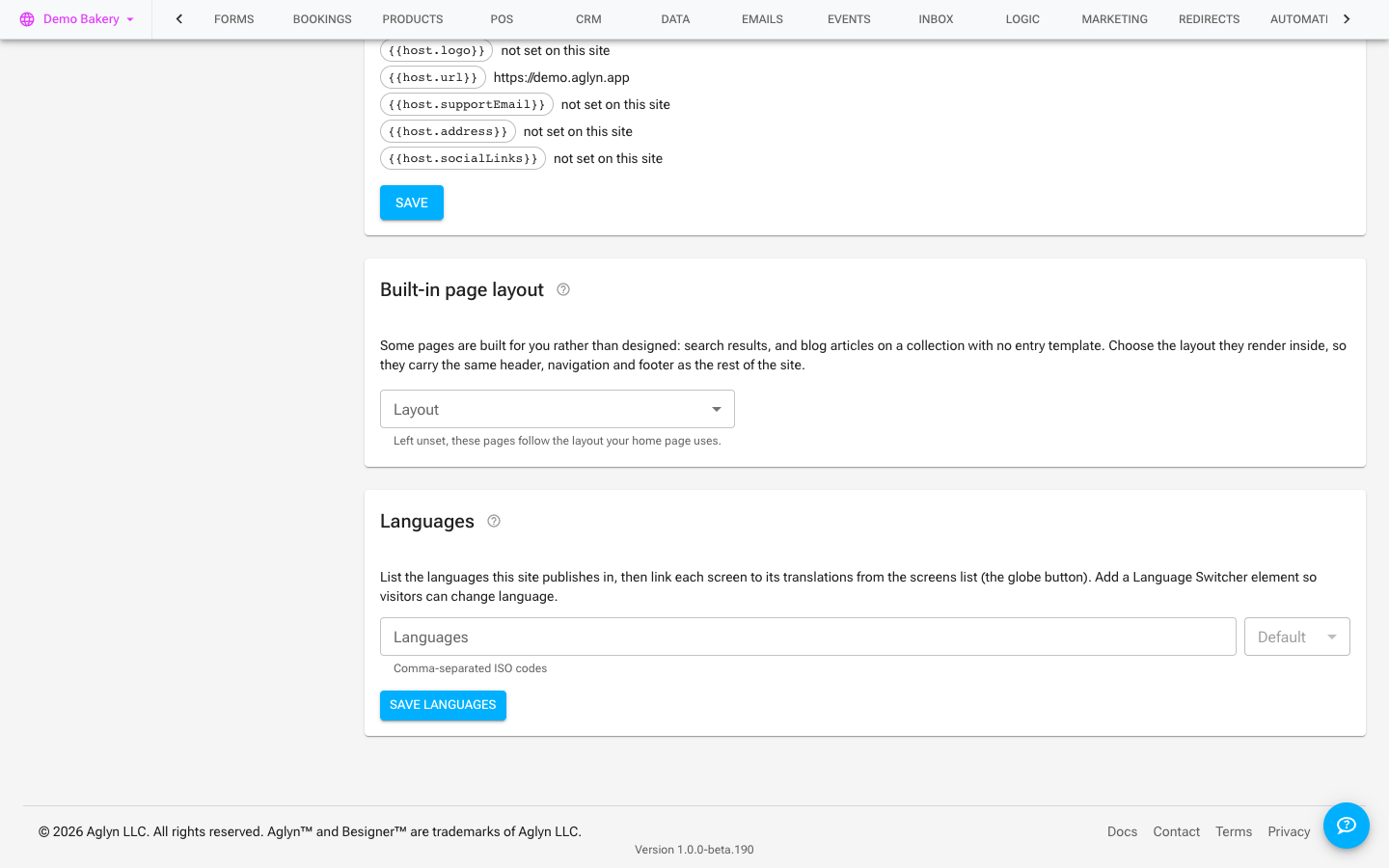
- Add a locale (e.g.
es,fr) to your site, in the Languages card under Setup → Basic details. - Aglyn creates locale variants of your content, sharing the same structure as your default language.
- Translate the pages' text for that locale.
- Publish. Aglyn emits hreflang tags so search engines serve the right language to each visitor.
Tips
- Keep structure identical across locales — translate the words, not the layout.
- Add a language switcher so visitors can choose their language.