Add a language switcher
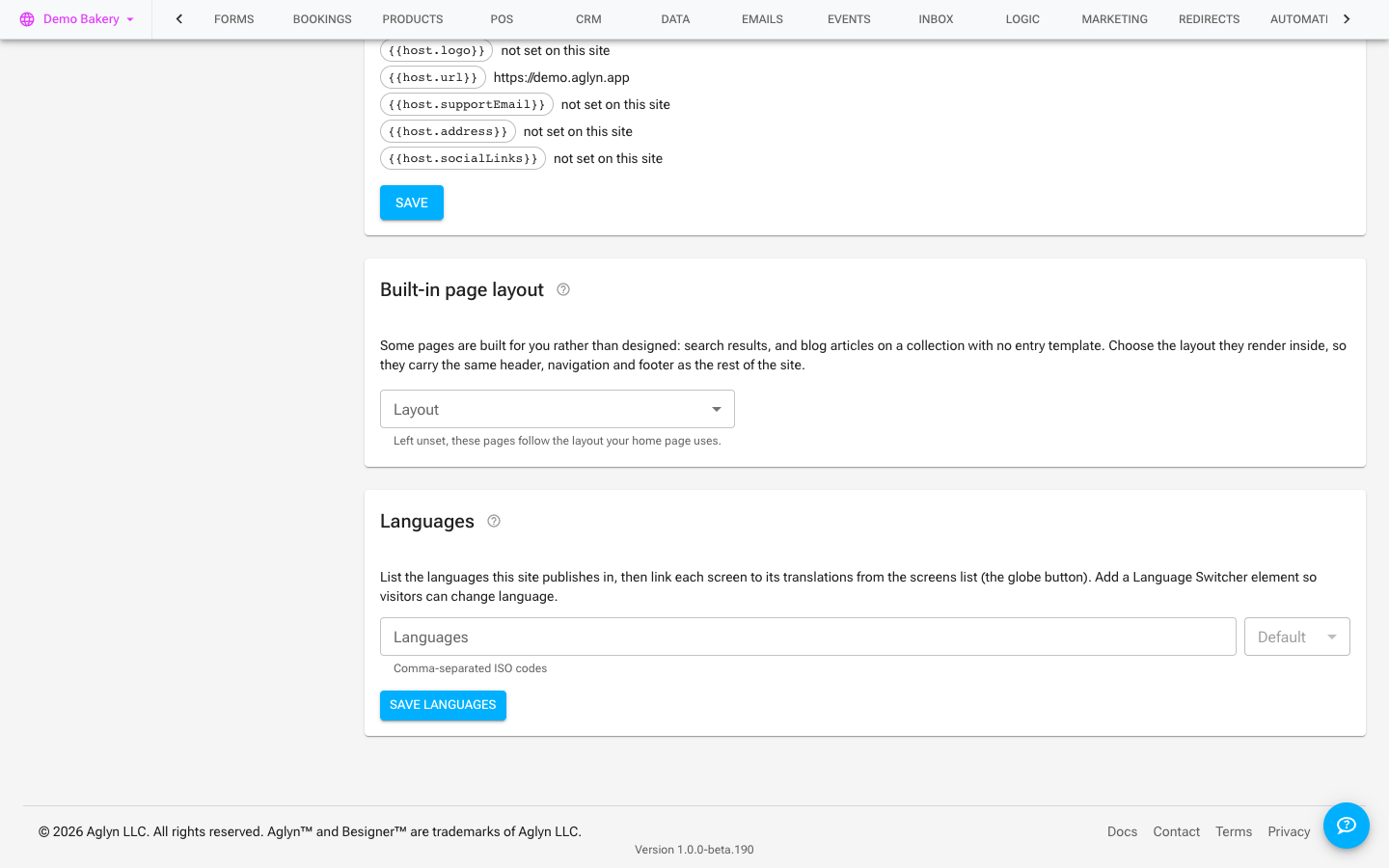
Once you've added a locale, give visitors a language switcher so they can pick their language.
Plan availability
Business and above.
Steps
- Add the language switcher to a page or your shared layout (so it appears site-wide).
- It lists your active locales and links each visitor to the matching variant of the current page.
- Publish.
Tips
- Put the switcher in your layout header/footer so it's available on every page.
- Pair it with hreflang (emitted automatically) so both people and search engines land on the right language.