Migration patterns
Redirects earn their keep during change. Here are the patterns you'll reach for most.
Paid.
Renamed a page
When you change a page's slug, add a redirect from the old path to the new one so existing links and search results keep working.
Consolidated pages
Merging two pages into one? Redirect the retired path to the survivor. The page-collision check keeps you from redirecting a path that's still a live page.
Moved a site into Aglyn
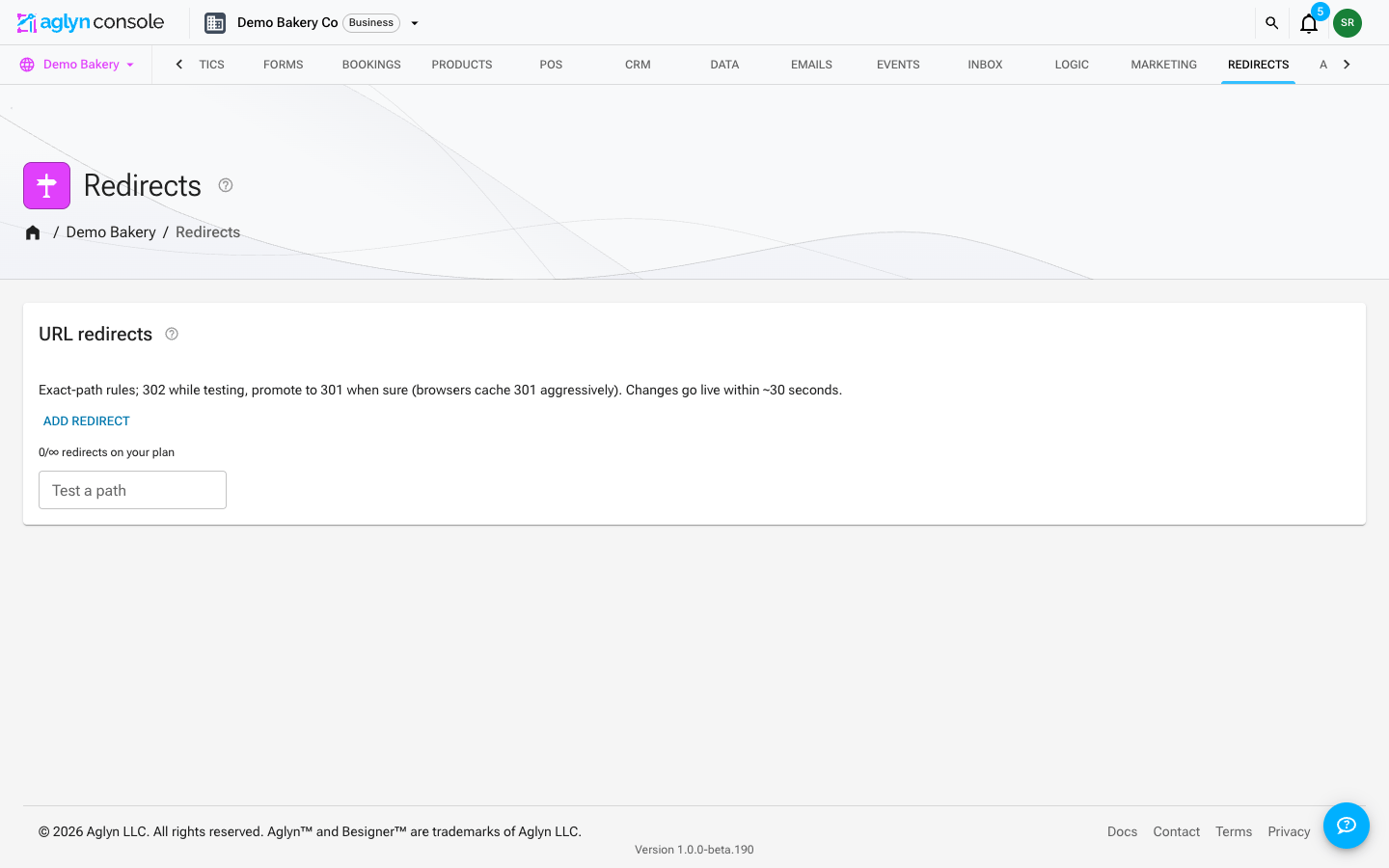
Bring your old site's URLs over in one go with Import on the redirects card:
- Make a CSV with a From column (the old path, like
/about-us.html) and a To column (the new Aglyn page, like/about). Add Status code with301for moves you're sure of; rules without one are302. An export from Shopify, WordPress Redirection, Yoast SEO, Wix or Webflow can be imported as it is. - Import it. Each row is matched to an existing rule by its from path, read the way the
manager saves paths (
/About-Us/and/about-usare the same rule), and a row with no match creates a new rule. When a row matches a rule you already have, the rule keeps its values unless you choose Overwrite. - Read the dry run. Rows the manager would refuse — a loop, a second rule for the same path, a destination it can't use — are refused. Rows that chain through another rule, or whose from path is a live page, are flagged. A destination on another site is flagged too: importing it approves it in your name, as saving it by hand would.
- Import. If something looks wrong, undo the whole import for seven days.
See Import and export for every column and check.
Then use the hit metrics to spot old URLs you missed — if a rule is getting traffic, people still rely on it.
Avoiding loops
The chain-loop check blocks redirects that would send visitors in circles (A→B→A). If a save is rejected, look for an existing rule that already redirects your destination.