Screens
A screen is a page of your site. It has a title, a URL slug, and a place in a hierarchy that decides the address visitors reach it at.
The screen hierarchy maps directly to your URL paths:
Free for core screens. Higher tiers raise the cap on how many screens a site can publish.
Screens & routing
- Each screen has a title and a URL slug. Aglyn normalizes slugs and keeps a site routing map.
- Screens form a hierarchy: pick a parent and the child inherits a nested path
(
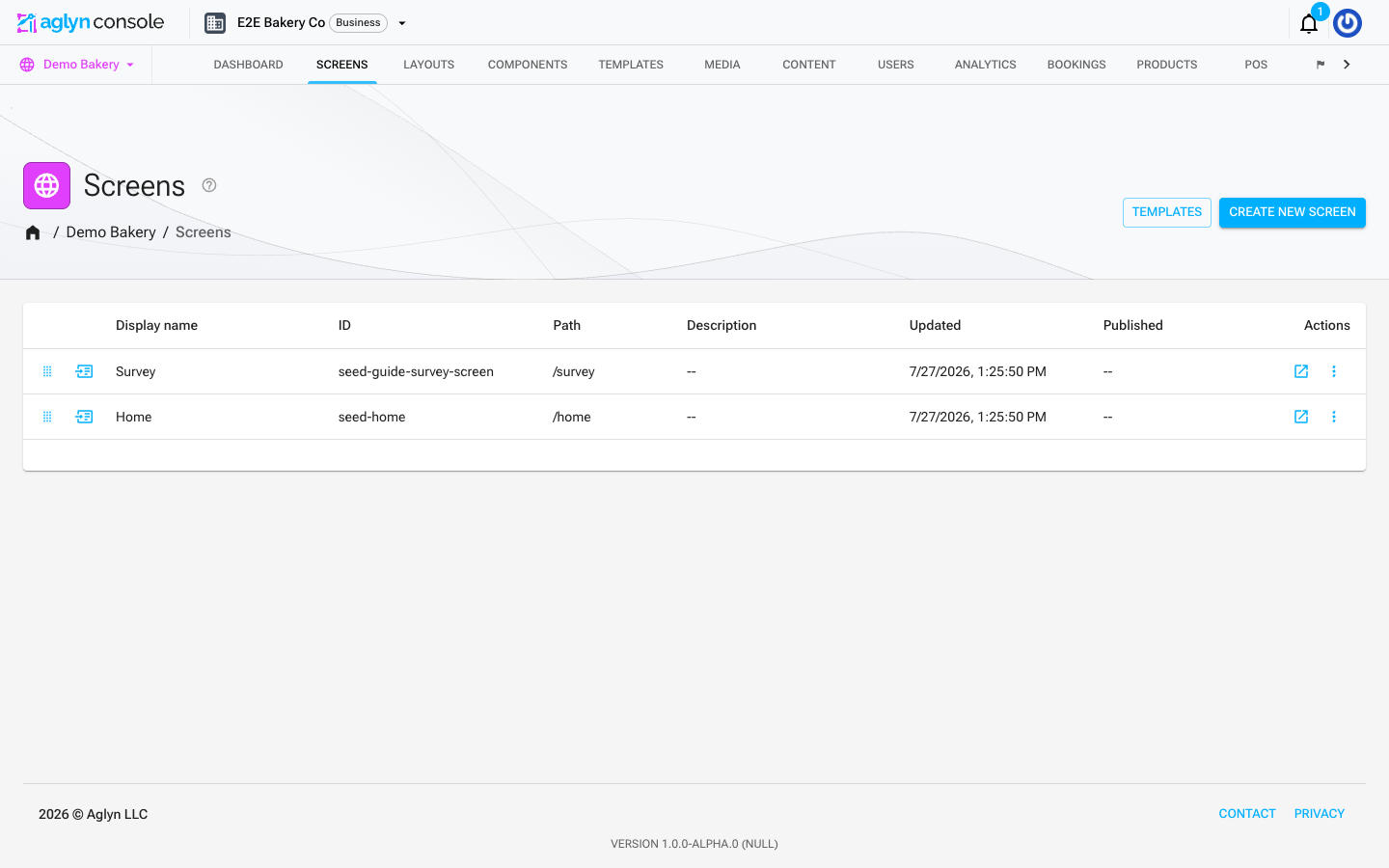
/services/pricing). Changing a slug or parent cascades safe rewrites across the map, with cycle guards so you can't create a loop. - Reorder the hierarchy with drag-and-drop in the screens list.
- The screens list shows each screen's Published date, and the screen's detail page shows Date published. Both stay empty until the screen goes live, and clear again if you unpublish it (including a scheduled unpublish) — so the column tells you what's live, not what exists. A screen you've just created is a draft: it holds its slug but nothing resolves there until you publish it.
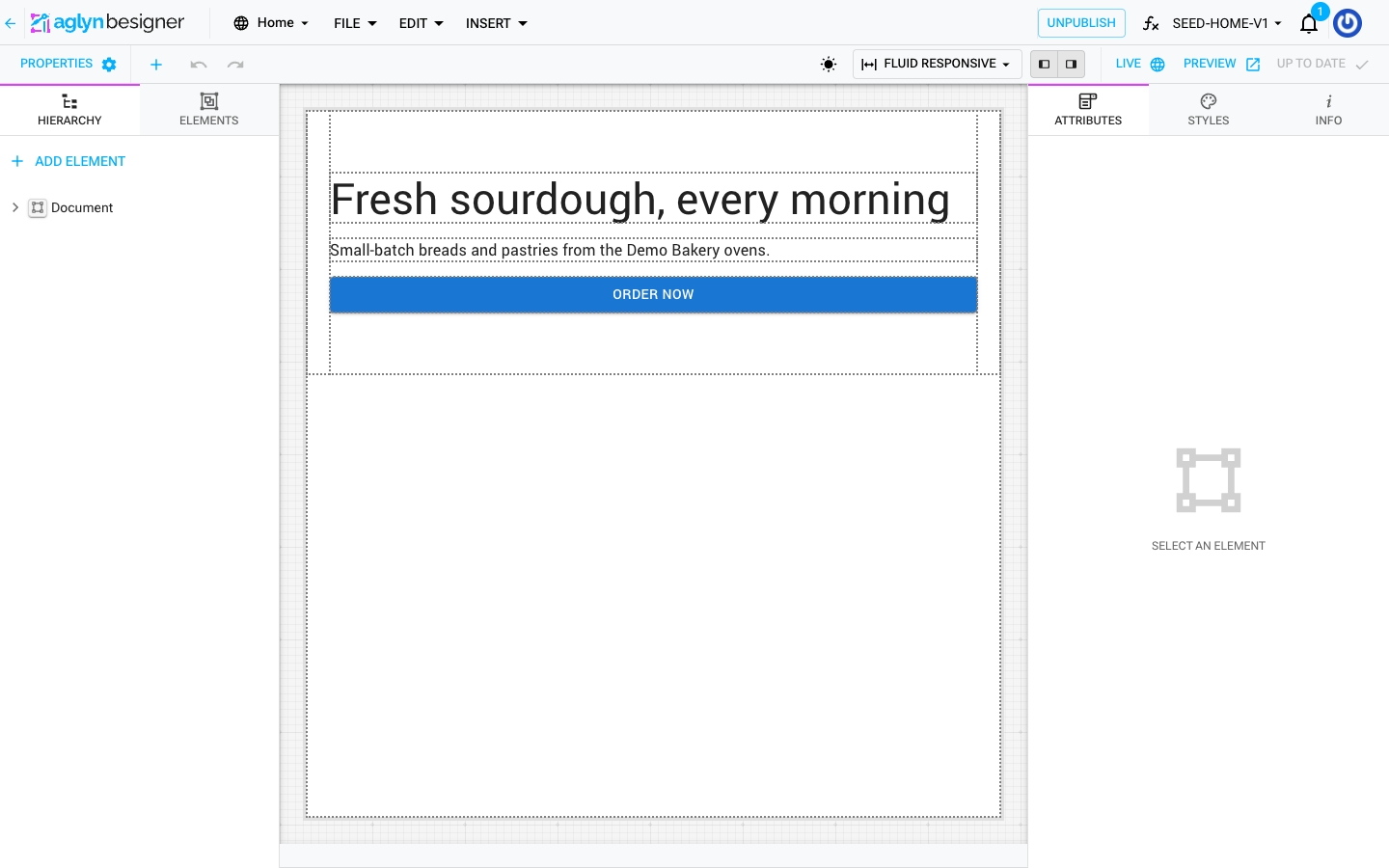
- Unpublish takes a live screen off your site. It's in the row's ⋮ menu on the screens list (on published screens), on the screen's detail page under Publishing, and on the Besigner toolbar. The screen, its versions and its slug are all kept, so publishing again puts it back at the same address.
What counts against your screen allowance
Your plan's screen limit counts the screens that are pages of your site — the ones a visitor can reach at an address of their own. Some screens you design are not pages, and those don't count:
| Screen | Counts? | Why |
|---|---|---|
| A page you publish at a slug | Yes | It has a URL of its own. |
| A collection's list template | Yes | /{collection} renders that exact screen. |
| A collection's entry template | No | One screen composes every entry; it has no address of its own. |
| An error screen you've assigned | No | It renders on addresses that matched nothing. |
| An email you design | No | It's sent, never served at a URL. |
| A screen you've deleted | No | Deleting frees the slot straight away. |
The rule behind the table is one question: does the screen occupy a URL of its own?
So an error screen that is also still published at its own address — say a 404 screen
you published at /404 while designing it — is a page, and it counts until you remove
that address. The Error pages card tells you when that's the case and offers the
one-click Remove address; the screen carries on rendering for its status code
afterwards.
Duplicate a screen
Every row on the Screens list has Duplicate… in its menu. The copy takes
the latest saved version whole — the element tree, layout values, description
and SEO fields — under the name you give it (Copy of Home by default; a name
another screen already has gets a number). Its slug becomes home-copy, then
home-copy-2, so it never claims the original's address.
The copy is a draft: it has no address on the live site until you publish it, exactly like a screen you created from scratch. Components and layouts placed on the original are shared, not copied — the duplicate points at the same ones. A duplicate of a page counts against your screen allowance the moment it is made, and is refused with the same message a new screen would be when the allowance is spent.
A collection's entry template can be duplicated too, which is how a second
collection starts from the first one's design. The copy is still an entry
template, with every {{entry.*}} binding kept: it isn't published, and no
collection uses it until you pick it as a collection's Entry screen in
Content. Like the original, it doesn't count against your screen allowance. An
error screen can't be duplicated.
Error & maintenance screens
You can design custom 404 / 401 / 403 / 503 screens and turn on maintenance mode. See Site protection & error pages.
Related
- Layouts — the shared frame a screen renders inside
- Versions & scheduled publishing
- The Besigner
- Bindings & variables
- SEO toolkit