Add search to your site
Adding search is a matter of placing one element. The search page and matcher are built in.
Plan availability
Included on every plan.
Steps
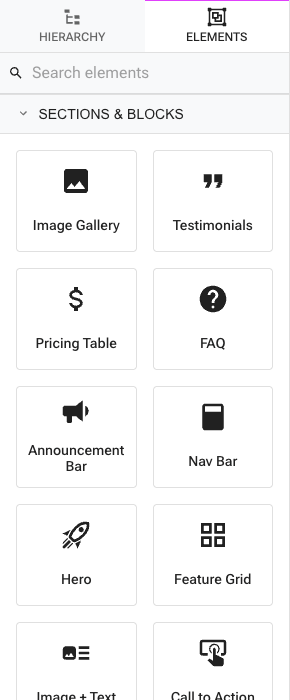
- In the Besigner, open the elements drawer and add the Search Box (under Forms) to a page — or to your shared layout so it appears site-wide.
- Optionally set the box's Placeholder text in the Attributes panel.
- Publish. Submitting the box sends visitors to your site's
/searchpage with their query.
That's the whole setup — there's no search setting to switch on and no index to build.
Tips
- Put the Search Box in your header layout so it's reachable from every page.
- Search covers dataset records and blog entries, so well-structured content and clear titles make results more useful.
- Dataset records only surface when a published page repeats over that dataset — build a listing page for anything you want to be findable.