Save & share a template
Turn a site you've built into a template others can start from — or start your own site from the marketplace gallery.
Free to use the starter gallery; sharing scales with your tier.
Start from a template
Open the starter template gallery and install a template. It lands in your templates library as one page template per page — publishing nothing until you choose which pages you want. Aglyn's own starter templates still create their pages straight away, since you pick those when a site is empty.
Where to find it
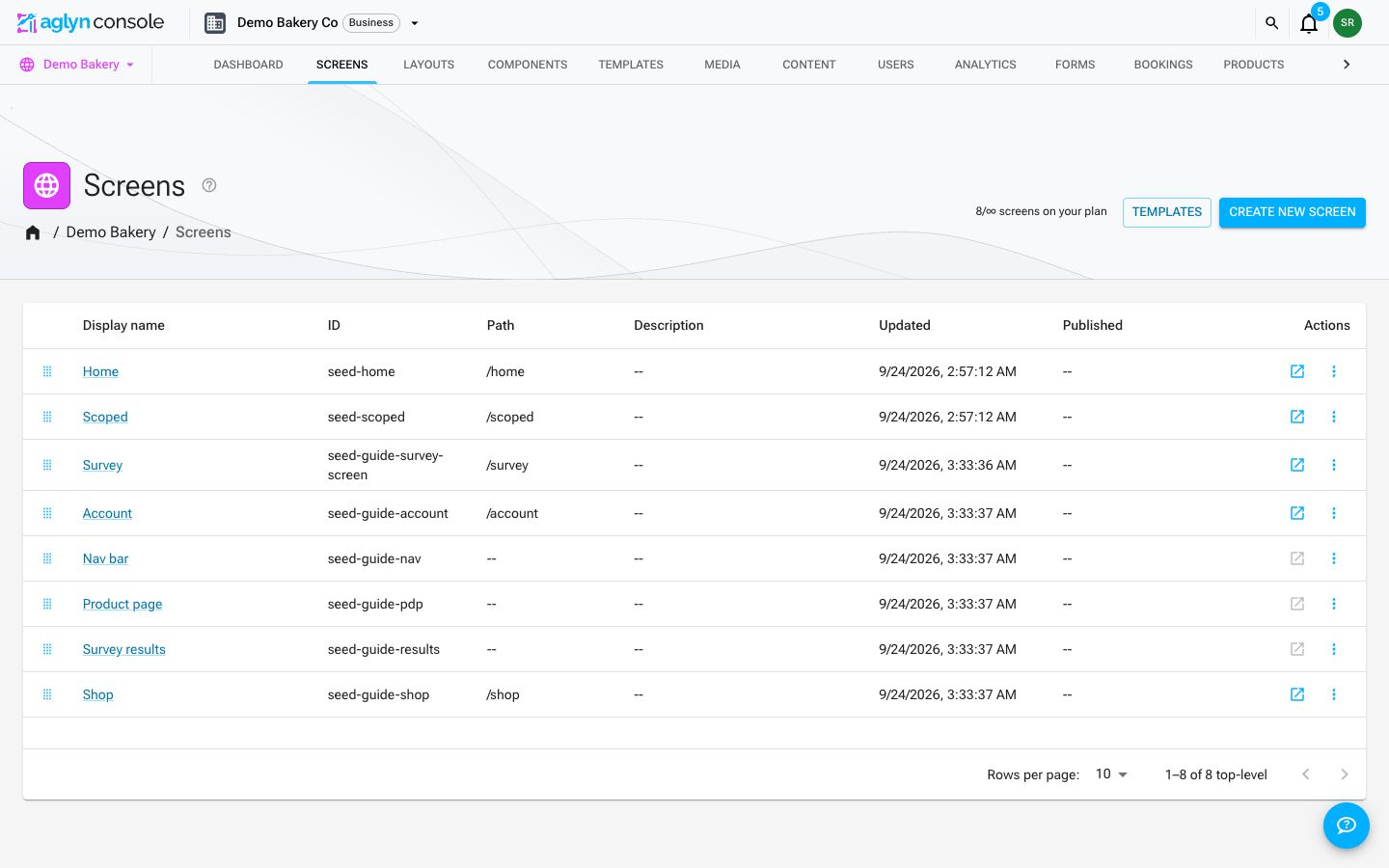
Templates sits next to the create button on three lists, and each one offers templates of its own kind:
| List | What the picker offers |
|---|---|
| Pages | Page templates, plus Aglyn's starter sites and marketplace templates |
| Layouts | Layout templates |
| Components | Component templates |
Starter sites and marketplace templates are whole-site page bundles, so they appear only on Pages — a layout or component picker would have nothing to do with them.
The filter icon in the dialog's header opens the picker's search box, which finds a template, a starter or a marketplace listing by the start of any word of its name — its name only, not its description or category. It reads the first word you type. Each shelf asks its own query, so the search looks through your whole library and the whole marketplace, not only the cards on screen, and your templates and the marketplace templates page through what matched.
Save your site as a template
Saving a whole site is not done from the pages list — it lives in Setup.
- Open Setup for the site and find the Site template card, under the basic details.
- Click Publish as template.
- Fill in Template name, Description, Category (e.g. Portfolio, Restaurant) and Price (USD, 0 = free), then publish.
This captures every published page plus the theme, and publishes it to the marketplace — so it is a share, not a private snapshot. Re-publishing bumps the version. Add a preview image afterwards from Manage → Marketplace.
Saving a single page instead
To reuse one page rather than a whole site, use the ⋮ row menu on the Pages list and choose Save as template. Layouts and Components have the same row action. These save into your own templates library and are not published anywhere until you publish them separately.
Tips
- Templates are a fast way to reuse a proven layout across client sites.
- Combine with the section & block library for page-level reuse without a whole template.